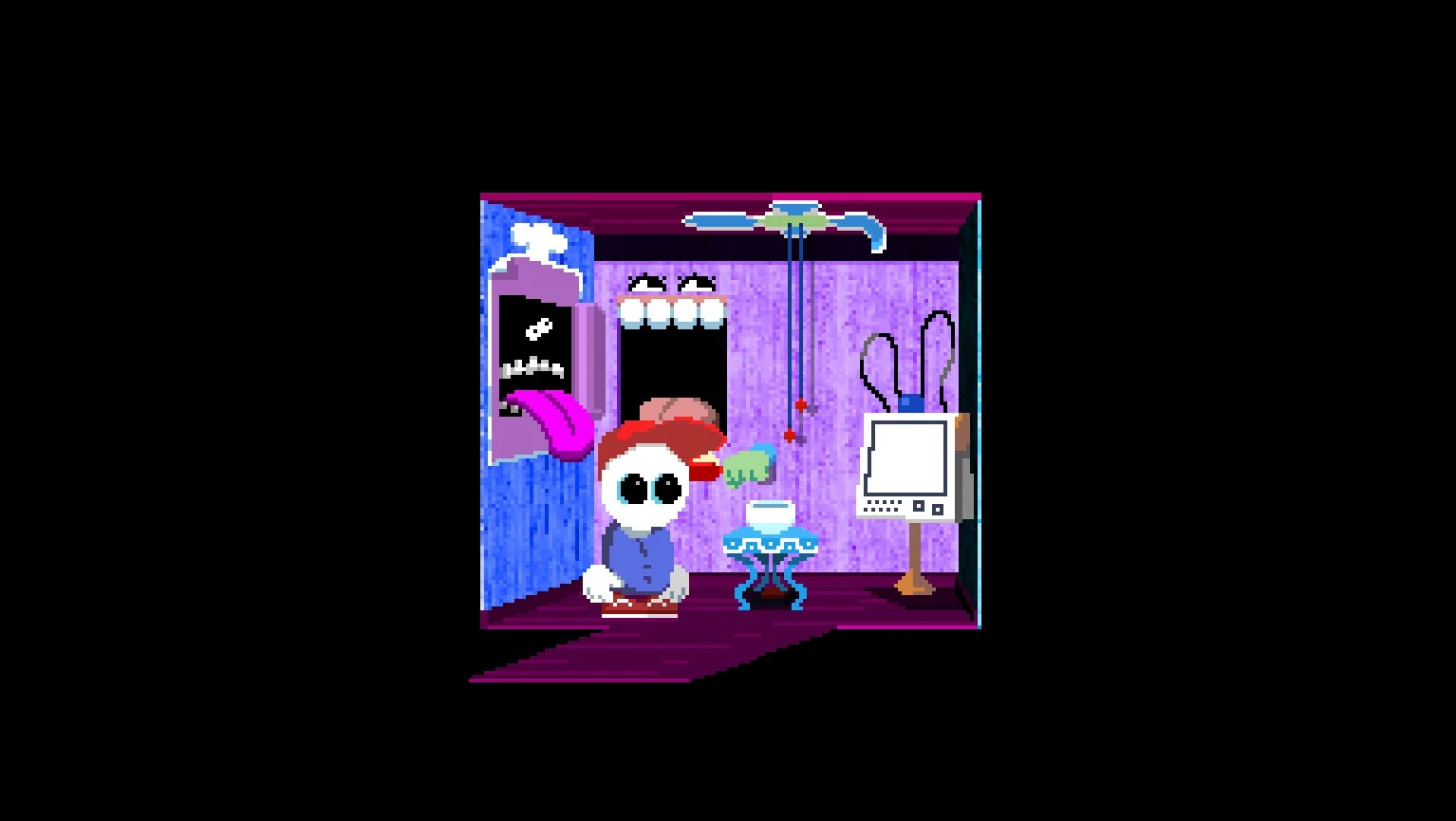
The control rule most players miss
The minigame looks as if the whole scalpel must remain inside the open channel. It does not. Community testing indicates that the active collision point is the very tip of the blade.
That means the handle and much of the blade can visually overlap the surrounding area without causing a failure. Trying to keep the entire object inside makes the usable path feel much narrower than it really is.
A safer way to move the scalpel
- Place the blade tip in the center of the starting opening.
- Click and hold the scalpel from a comfortable point on the handle.
- Move in short, straight segments instead of one long sweep.
- Stop before each corner and reposition the mouse for the next segment.
- Watch the point of the scalpel exclusively.
- Release only after the tip reaches the destination.
Speed does not help. The safest attempt is the one with the fewest corrections.
Why the minigame keeps failing
You are centering the entire blade
This forces your mouse into unnecessary corrections. Let the back of the tool overlap and keep only the point in the valid space.
You turn while still moving quickly
Stop at the corner, identify the center of the next corridor and then continue. Rounded mouse arcs are more likely to clip the boundary.
Your sensitivity is too high
If tiny hand movements produce large jumps, lower mouse sensitivity before retrying. Do not change it so far that the pointer becomes tiring to move elsewhere in the game.
The jumpscare makes you rush the next attempt
The failure feedback is intentionally startling. Take your hand off the mouse for a moment, then restart from the first segment rather than trying to compensate with speed.
Content warning
This sequence contains medical imagery and a jumpscare on failure. If that makes precision harder, lowering the game volume temporarily does not change the puzzle input.
Verification notes
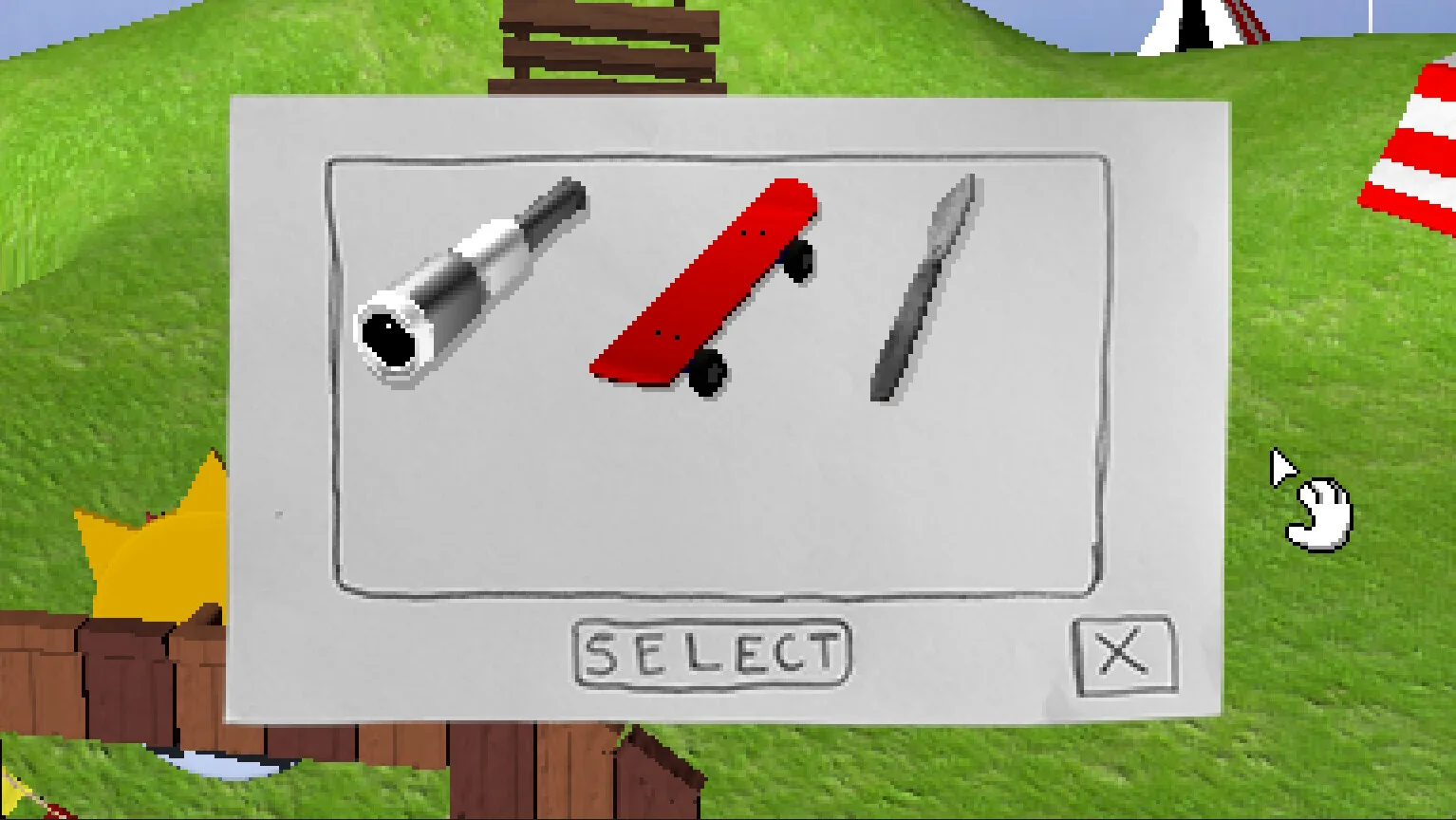
The tip-only collision behavior is independently described by players discussing the current Steam release, including the operation minigame thread. The official Steam screenshots confirm the room and available tools. This guide does not claim a frame-perfect route because pointer sensitivity and display scaling can change how the movement feels.
If you are stuck elsewhere in the carnival, use the red clown game solution or return to the Endacopia puzzle index.